

Xenex Studio · Education
Learn Linux
by XenexStudio
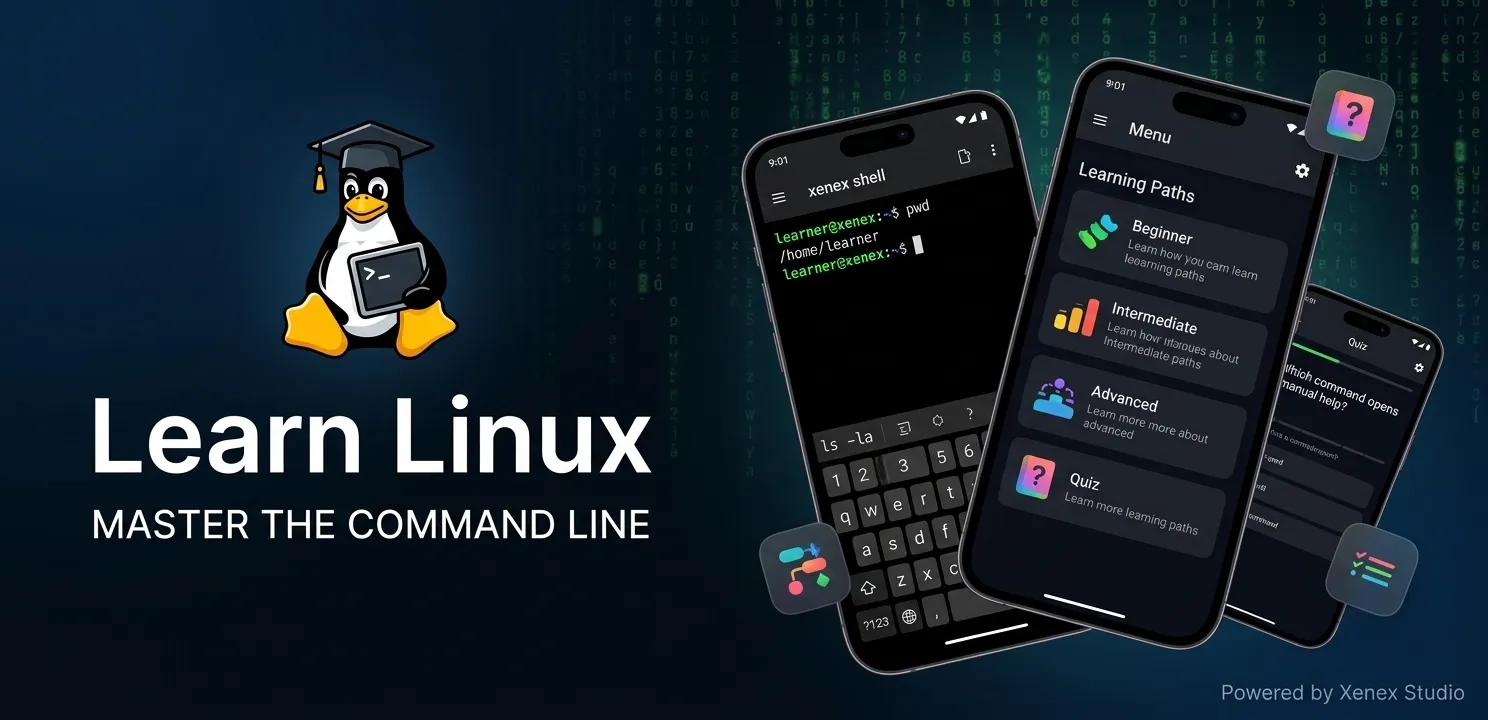
Master Linux commands from beginner to pro — fast, fun, and easy!
Description
About this app
Master the command line practice you need to become a confident user with Learn Linux—the ultimate interactive Linux tutor right in your pocket.
Want to learn sysadmin skills, understand DevOps basics, or master bash scripting but don't have a dedicated Linux machine? This app gives you a fully functional, safe terminal simulator on your phone—no complex virtual machines, dual-booting, or root access required!
Built specifically for absolute beginners, software developers, and IT students, this comprehensive Linux training app guides you through structured Linux lessons where you type real commands into a built-in Linux shell (xenexsh) and get immediate visual results.
✨ Why Learn Linux?
Safe Terminal Simulator – Practice Linux terminal navigation in a completely isolated virtual filesystem. Break things, fix them, and experiment safely without affecting a real system. Perfect for practicing on the go!
Structured Learning Tracks – Progression is gated by checkpoint tests every 7 lessons. Prove your skills in the Beginner track to unlock Intermediate and Advanced levels.
Guided Lesson Book & System – Every command features clear, beginner-friendly explanations, real-world examples, and step-by-step usage. Just swipe to the terminal tab to try it out instantly.
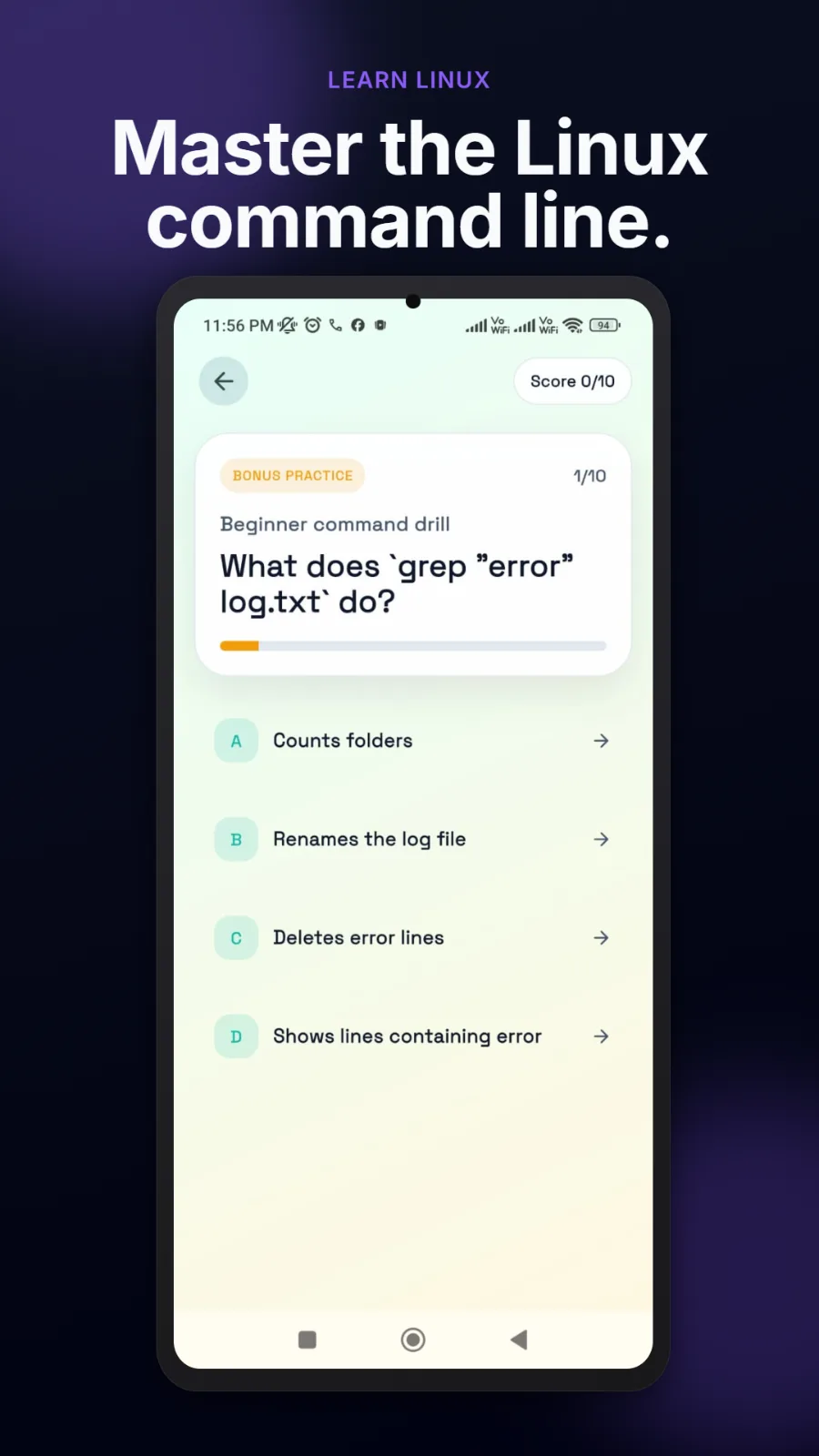
Interactive Linux Quiz – End-of-lesson multiple-choice questions reinforce your knowledge. Plus, a bonus daily practice mode shuffles questions to keep your mind sharp.
Bookmark Favorites – Save the commands you use most with a simple heart icon. Build your personal quick-reference sheet and jump straight back to their lessons anytime.
100% Offline Progress – All your lesson history, quiz scores, and settings save locally. Keep studying even without internet access.
📚 Educational Path: What You Will Learn
🌱 Linux for Beginners (Fundamentals)
Master core filesystem navigation (ls, cd, pwd), basic file operations (cat, mkdir, touch, rm, cp, mv), searching text with grep and find, and standard viewing tools (head, tail).
⚙️ Intermediate (Sysadmin Skills)
Dive into user permissions (chmod, chown), process management (ps, top, kill), command piping, input/output redirection, text editors (nano, vim), network tools (ping, curl, wget), and managing background services.
🧠 Advanced (DevOps Basics & Automation)
Write full bash scripting automation sequences, configure cron jobs, explore Git version control, handle Docker containers, configure basic firewalls, and learn crucial server security fundamentals.
🎯 Who Is This Pocket Lab For?
Certification Students – Anyone studying for IT, CompTIA Linux+, LPIC, or AWS examinations.
Cross-Platform Developers – Software engineers transitioning to Linux environments from Windows or macOS.
Aspiring Infrastructure Engineers – Future Cloud, DevOps, and Cybersecurity engineers building foundational skills.
Tech Enthusiasts – Anyone who wants to comfortably navigate the operating system that powers the world's cloud infrastructure.
💡 Premium Features & Flexible Access
Enjoy a distraction-free learning environment! You can opt-in to watch rewarded ads to unlock gated progress naturally, or grab the one-time Premium Upgrade to permanently remove all ads, skip ad gates, and support an independent developer.
🛠 Developer Note: Built by Xenex Studio. Optimized for both dark and light web/app themes.
🐧 Start your command line journey today—because learning Linux should be hands-on, not frustrating!
🛠 What's New in the Latest Update
Brand New Terminal Simulator: Greatly improved built-in command support (
xenexsh) for 20+ commands.Advanced Track Unlocked: Brand new Linux lessons covering bash scripting, Docker, and Git basics.
Daily Quiz Practice: Bonus challenge mode featuring daily shuffled questions to test your retention.
The Penguin Lab Easter Egg: Tap the version number 7 times in Settings to unlock a curated collection of advanced open-source documentation!
Visual Refresh: Easily toggle between Dark and Light themes in your layout preferences.
Learn Linux is a comprehensive, hands-on Linux training app designed to take you from absolute beginner to command-line proficiency without needing a secondary machine or complex setups. By combining structured Linux lessons, interactive knowledge checks, and a safe, built-in terminal simulator, the platform bridges the gap between theory and real-world implementation. Whether you are an IT student drilling for certifications, a developer shifting environments, or an aspiring engineer mastering DevOps basics, this pocket lab provides the ultimate risk-free ecosystem to build genuine sysadmin skills and coding confidence on the go.
Highlights
Key features
Safe Terminal Simulator
Practice commands risk-free.
Structured Learning Tracks
Beginner to advanced lessons.
Interactive Knowledge Quizzes
Reinforce your command skills.
Crafted by Xenex Studio
Built with precision, shipped with care
Every app we build is designed with clean interaction, responsive performance, and thoughtful detail from first layout to final deployment.
App Info
Technical specifications
Package Name
com.xenexstudio.learnlinux
Category
Education
Active Version
v1.0.6
Downloads Metric
500+